Timeline
4 Weeks, 2025
Role
UI/UX Designer
Tools Used
Figma & Notion
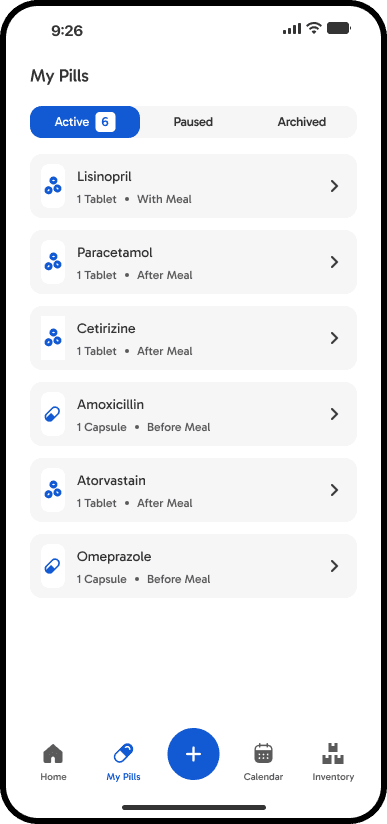
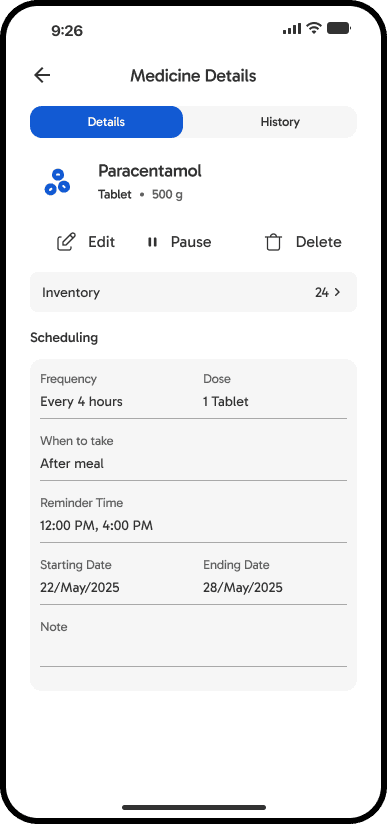
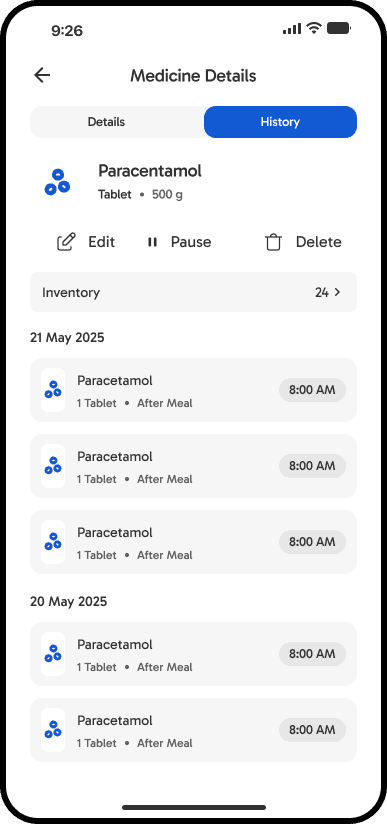
Tracking what medications you’ve taken and what you still need to take can be challenging, especially when dealing with multiple prescriptions. PillMate is designed to eliminate the stress of manual tracking by offering intuitive scheduling features, timely reminders, and a built-in inventory management system. PillMate helps families and elderly users manage multiple prescriptions without stress. I designed an accessible mobile app with one-tap scheduling, barcode scanning, and proactive inventory alerts.


Too much manual input
Focused on reminders, not inventory
Easy to miss refills
One-tap scheduling and repeat reminders
Barcode/QR code scanning for faster medicine input
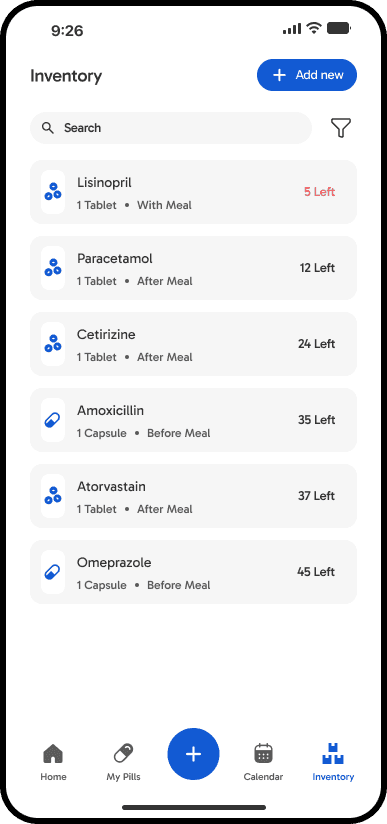
Inventory alerts when stock runs low
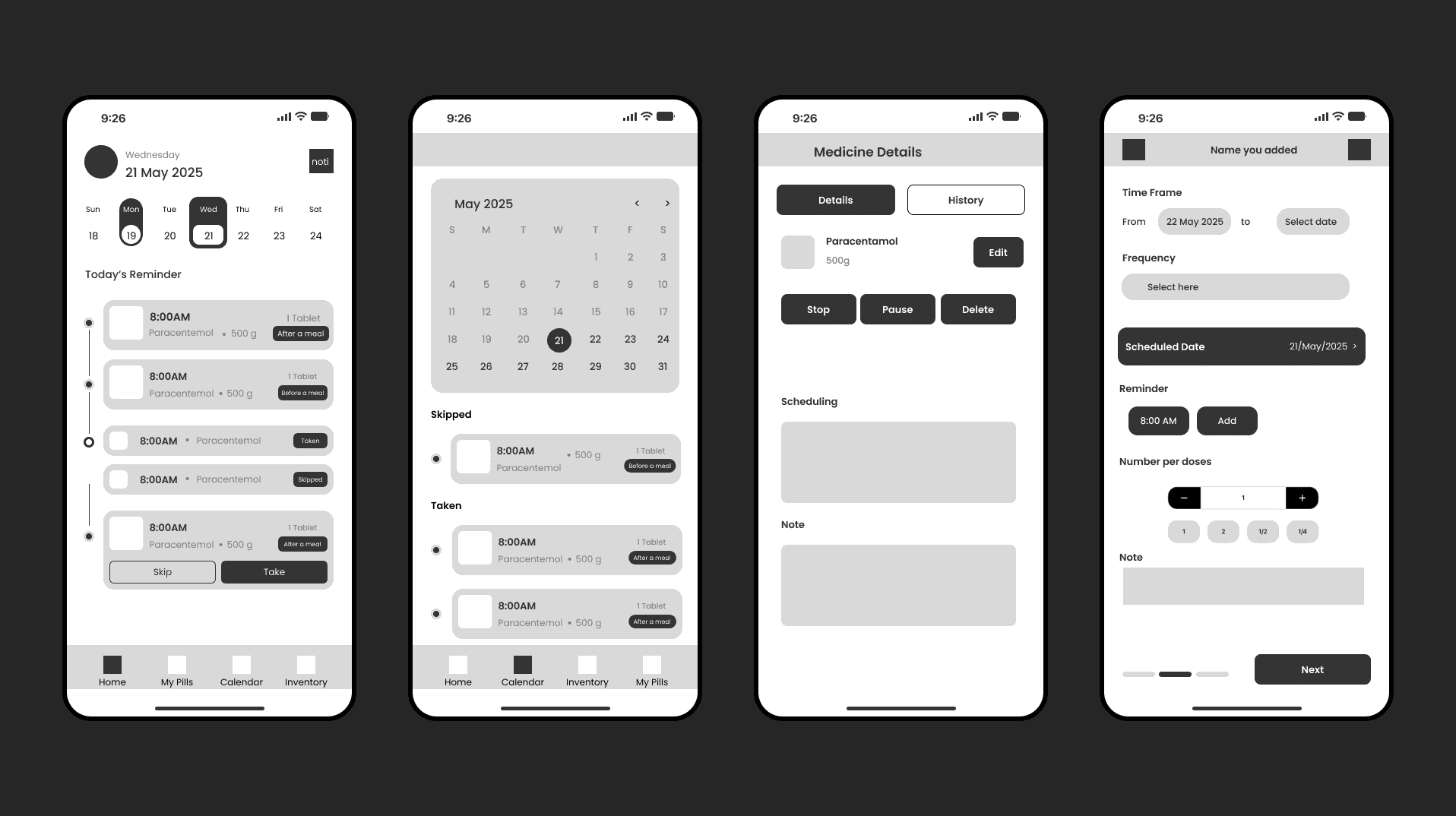
With a clear understanding of the core user problem and key insights from competitive research, I moved into the ideation and early validation phase. I explored solution directions through quick sketches and user flows, then translated the strongest concepts into mid-fidelity wireframes. These digital wireframes focused on:
Establishing clear information hierarchy and layout structure
Defining core user flows and screen-to-screen transitions
Incorporating realistic content blocks and basic UI patterns (without visual styling)
This level of fidelity allowed me to create a clickable prototype for early usability testing, gather targeted feedback on navigation and task efficiency, and iterate quickly before investing in high-fidelity visuals.
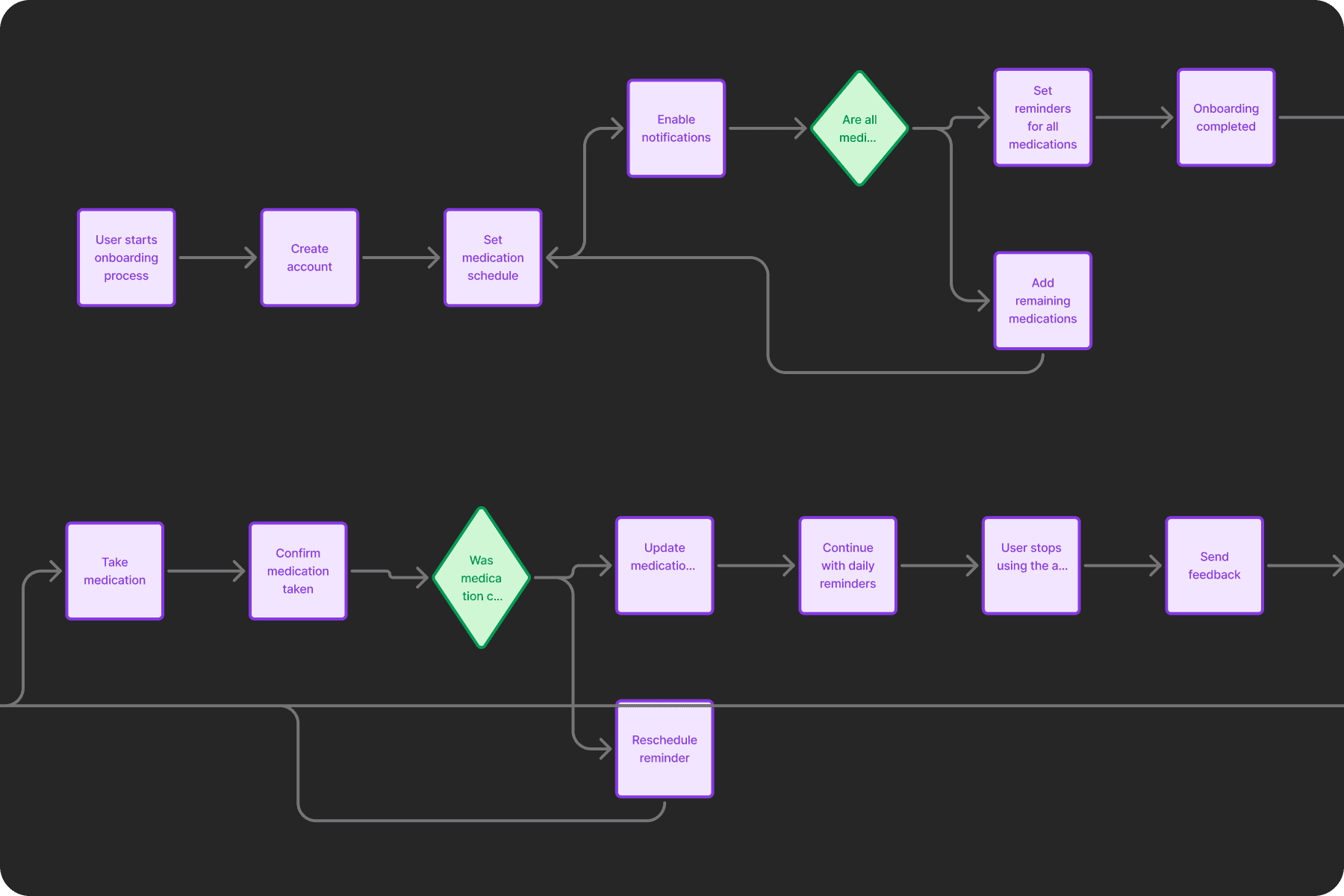
The main purpose of creating this user flow was to develop an easily accessible app that aligns with the project goals while ensuring the steps the users need to process are simple and minimizing the time users need to spend using it without clicking needlessly for elderly persons or those who are unfamiliar with digital devices.
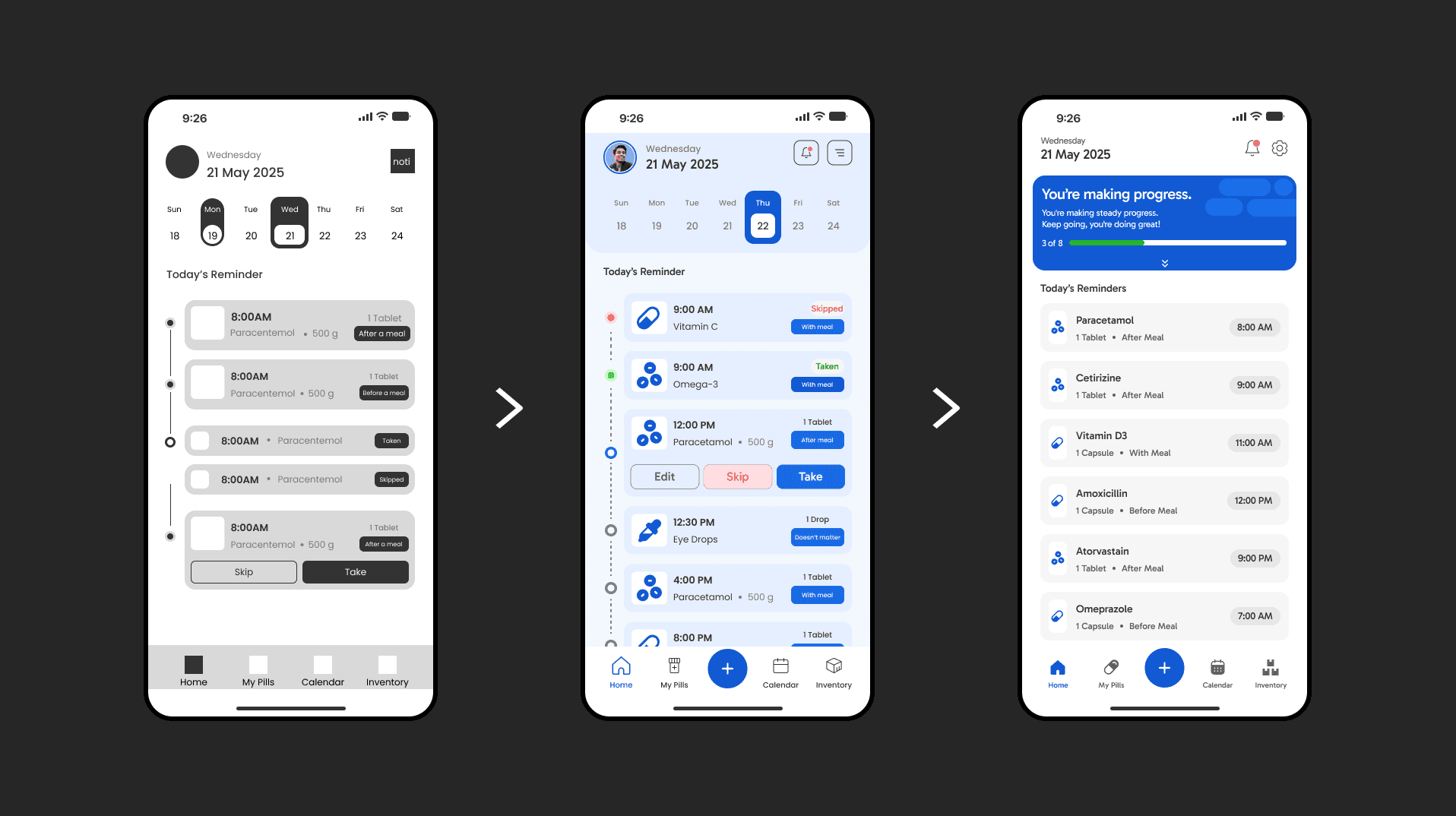
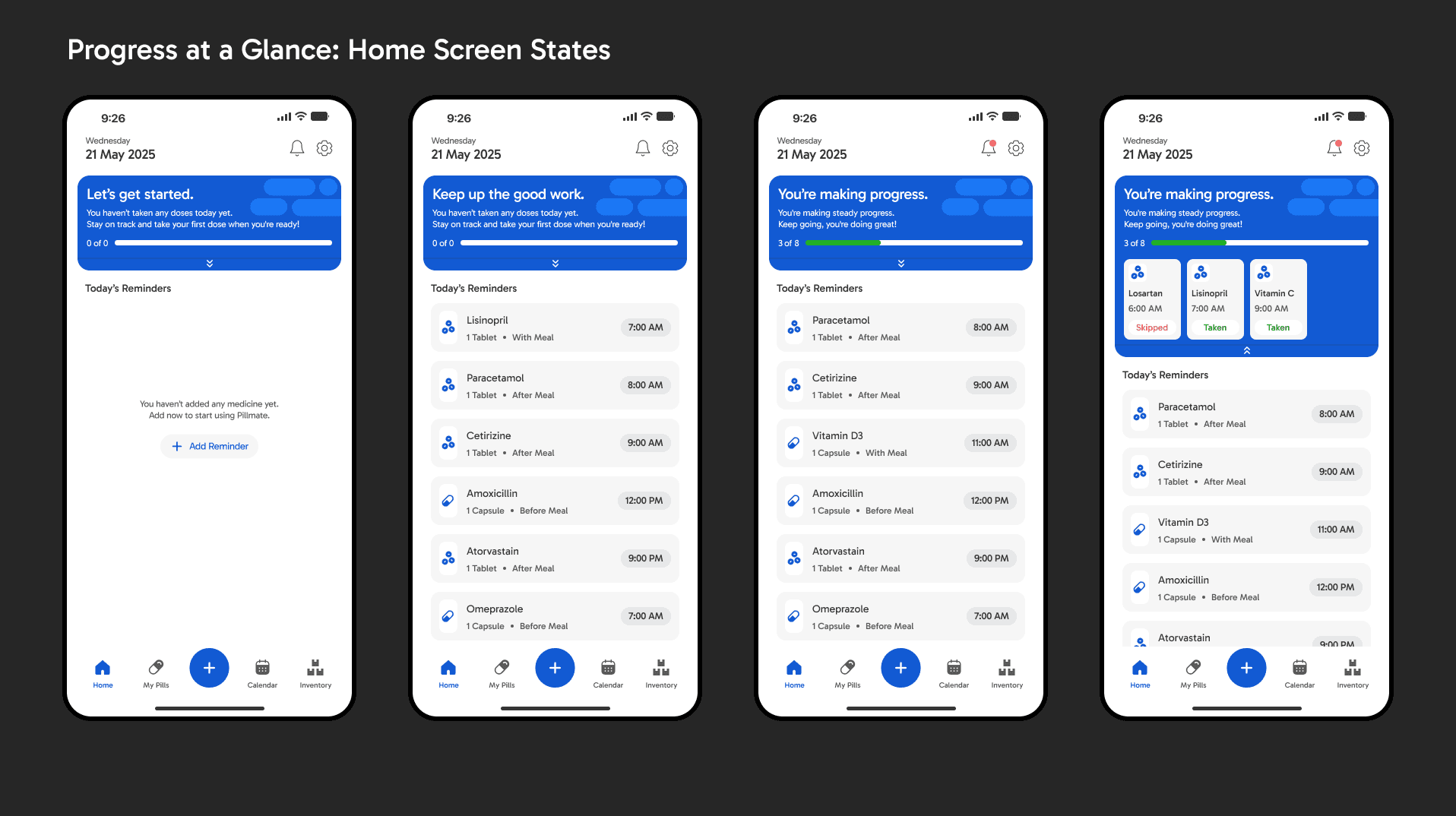
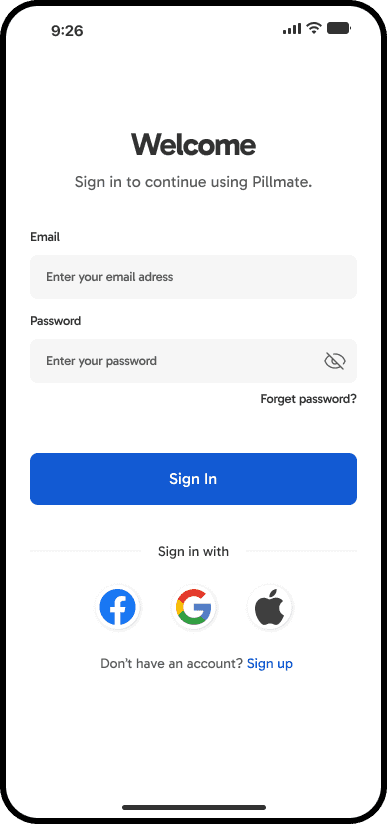
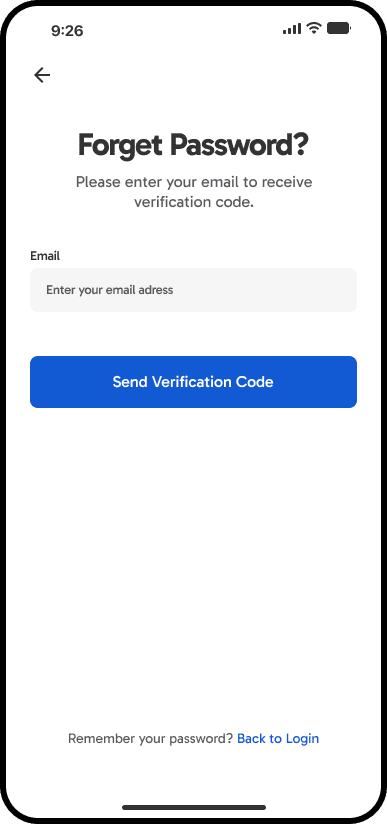
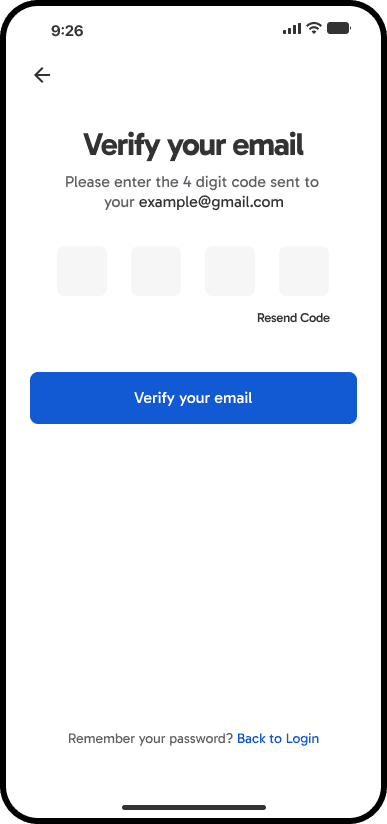
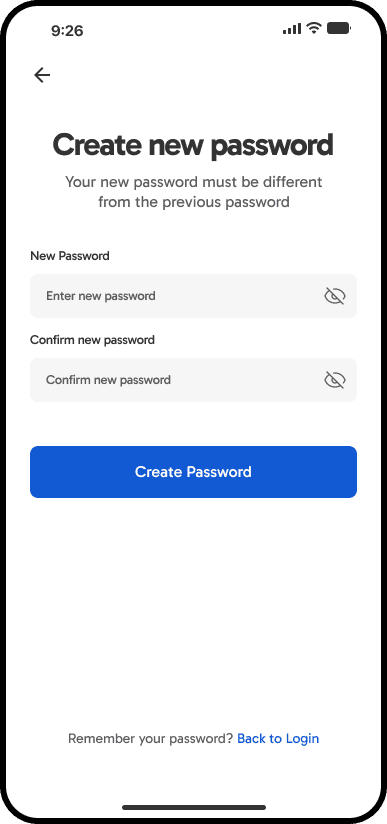
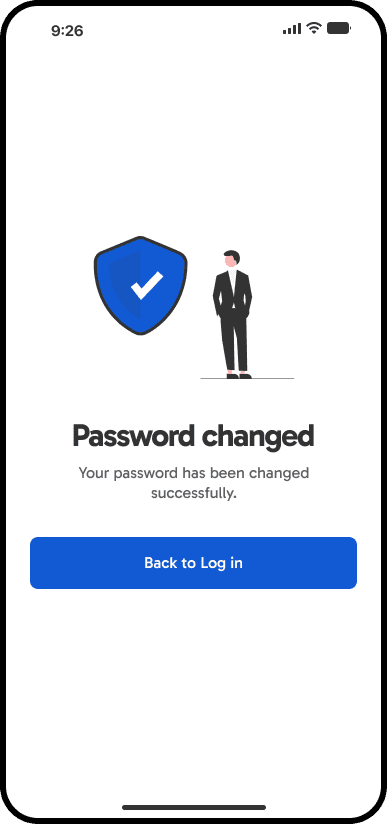
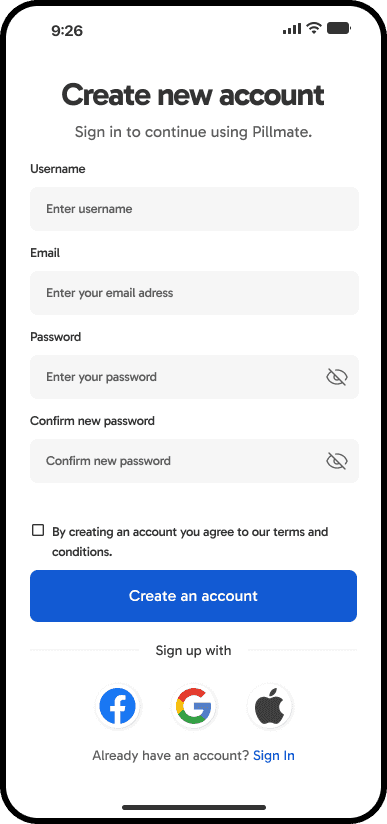
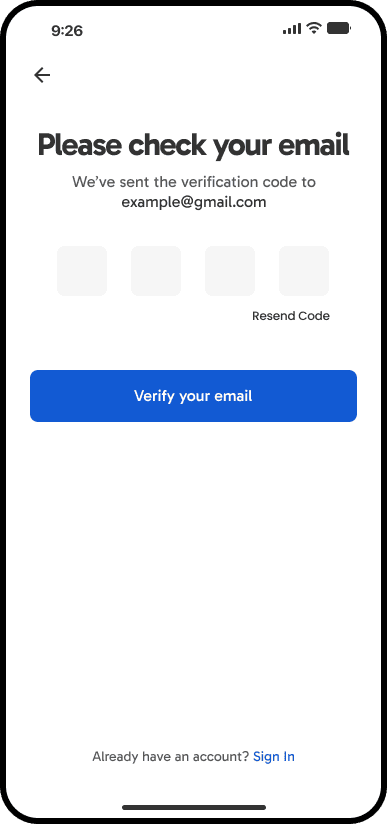
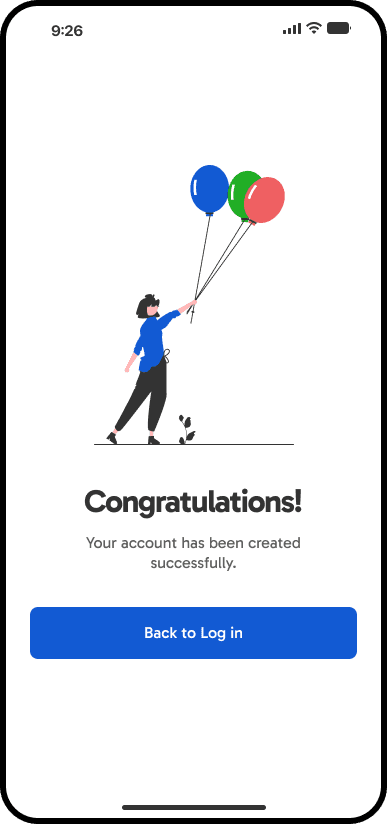
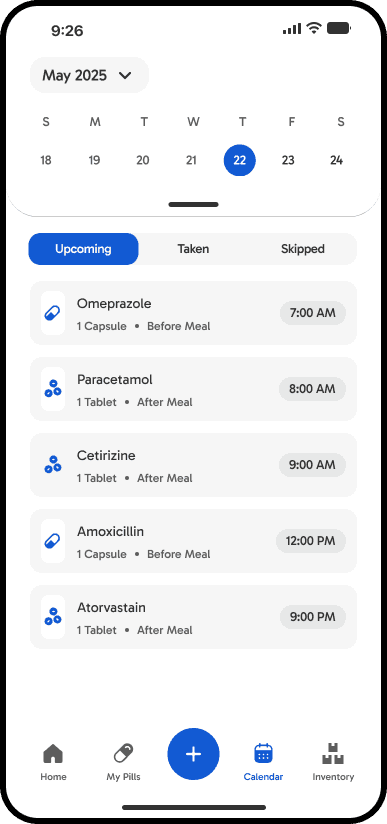
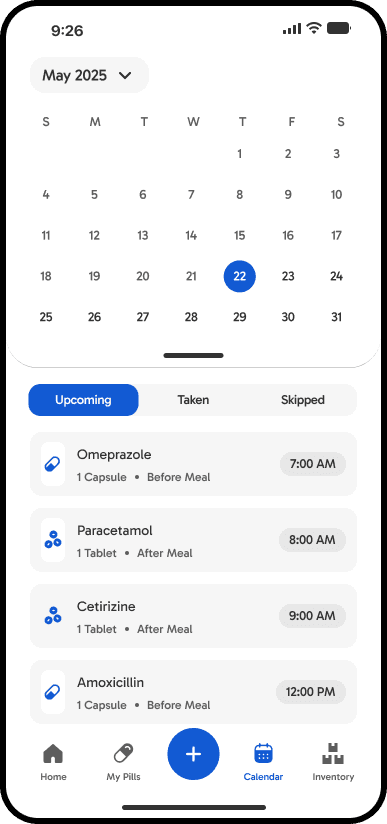
Mid-fidelity wireframes established clear structure and flows. In high-fidelity (Figma), I introduced a calm, trustworthy aesthetic: soft colors to ease anxiety, high-contrast large text, generous spacing, subtle micro-animations, and oversized touch targets through usability testing. This visual refinement preserved the tested usability while making the daily medication experience feel intuitive, reassuring, and inclusive for users of all ages and abilities.